
The modern home for CoConstruct builders.
The workflows you know: Selections, Specs, Threaded Messages, QBO sync — built modern with intuitive a Mobile App, Magic Links, and Mason AI.
No commitment. Migration included. Responds within 2 hours.
A personal note
To the CoConstruct users who just received word that their platform is shutting down:
First of all, I feel for you. This is a stressful moment. You built your business on a platform, and now you're being told to move — on someone else's timeline.
Once the shock passes, we're seeing a lot of builders turn this challenge into an opportunity. This is a better time than ever, even if forced, to be intentional about the software running your business.
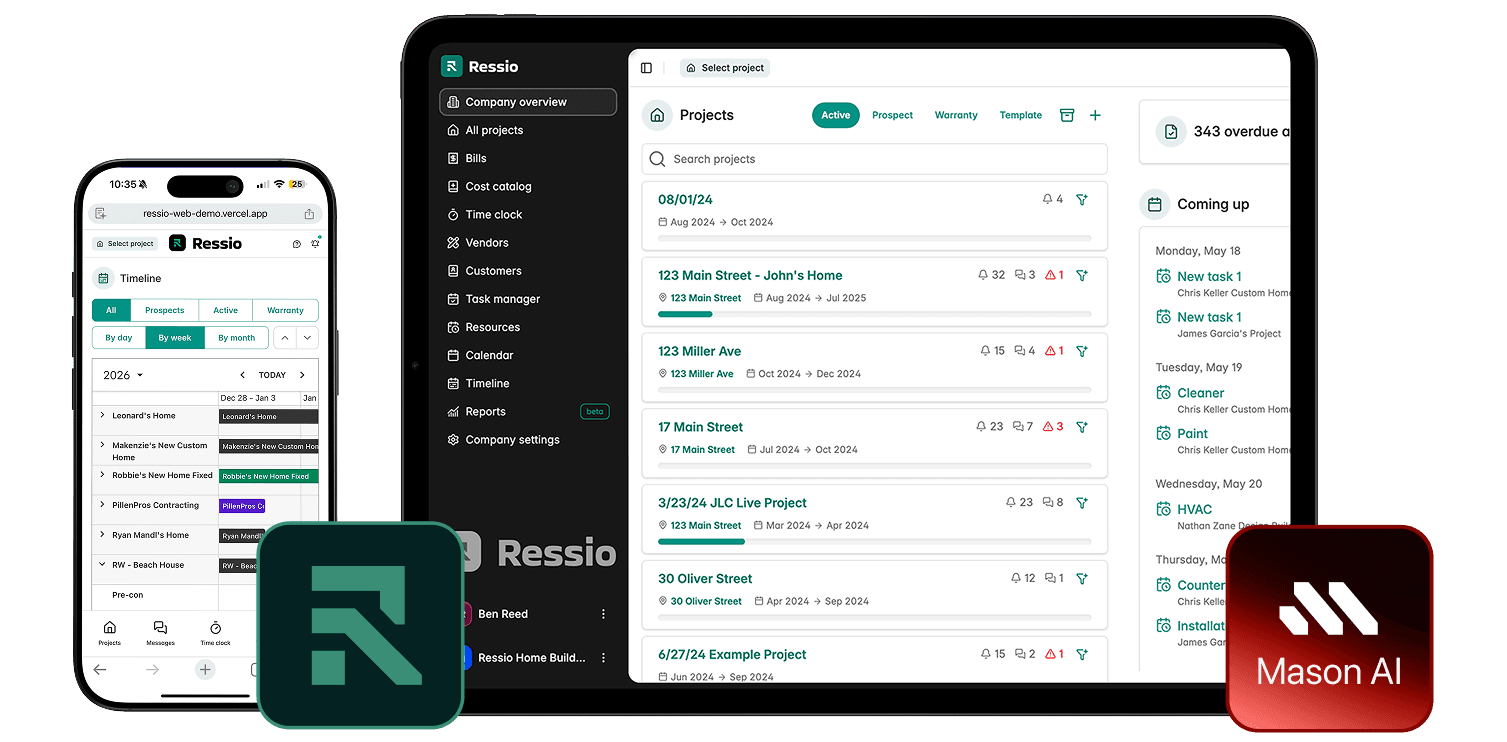
When you go to take a look, you'll find that Ressio is the modern alternative to CoConstruct that you have been waiting for — and the #1 destination right now for CoConstruct users.
You'll recognize the core workflows you rely on with a more modern, intuitive design — notably selections, specifications, threaded messages, task management, budget tracking with a QBO sync, and more.
But you'll also get what CoConstruct never had: a mobile-friendly client and vendor portal, a streamlined change order process, and above all, our rapid development speed & AI-focused innovation.
With Mason, our AI assistant, you can elevate the quality of your estimates and schedules, get your team to complete more job logs, and save hours every week on the mundane work that eats your evenings — like weekly job summaries.
And finally, our team of ex-CoConstruct customer success specialists will make your data migration and onboarding seamless, knowing the ins and outs of both platforms.
If you're back in evaluation mode, don't wait to act before it's too late.

Mitchell Kasselman
CEO, Ressio
Designed for CoConstruct users
The Workflow You Remember
Even Better
Ressio is built around the same connected workflow CoConstruct builders know by heart — modernized, faster, and still being built on.
See Why They Switch
Real customers switching to Ressio
“One-time data entry. I haven't found a program that does that — other than CoConstruct.”
Jarrod
Owner · Switching from CoConstruct
“We started with CoConstruct, and I fell in love with it because it was super easy and it just felt like it flowed better. And when they switched everything over to BuilderTrend, it was a disaster.”
Lindsey C.
Owner · Switching from CoConstruct
“I've used CoConstruct for several years… and what they're saying is that your product is very, very, very similar to it.”
Rustin L.
Construction Consultant · Switching from CoConstruct
How it works in Ressio
Everything flows together.
Connected by Mason AI.
Everything you relied on — plus a client portal that works, change orders that close, and AI that handles the admin so you don't have to.
Win the work
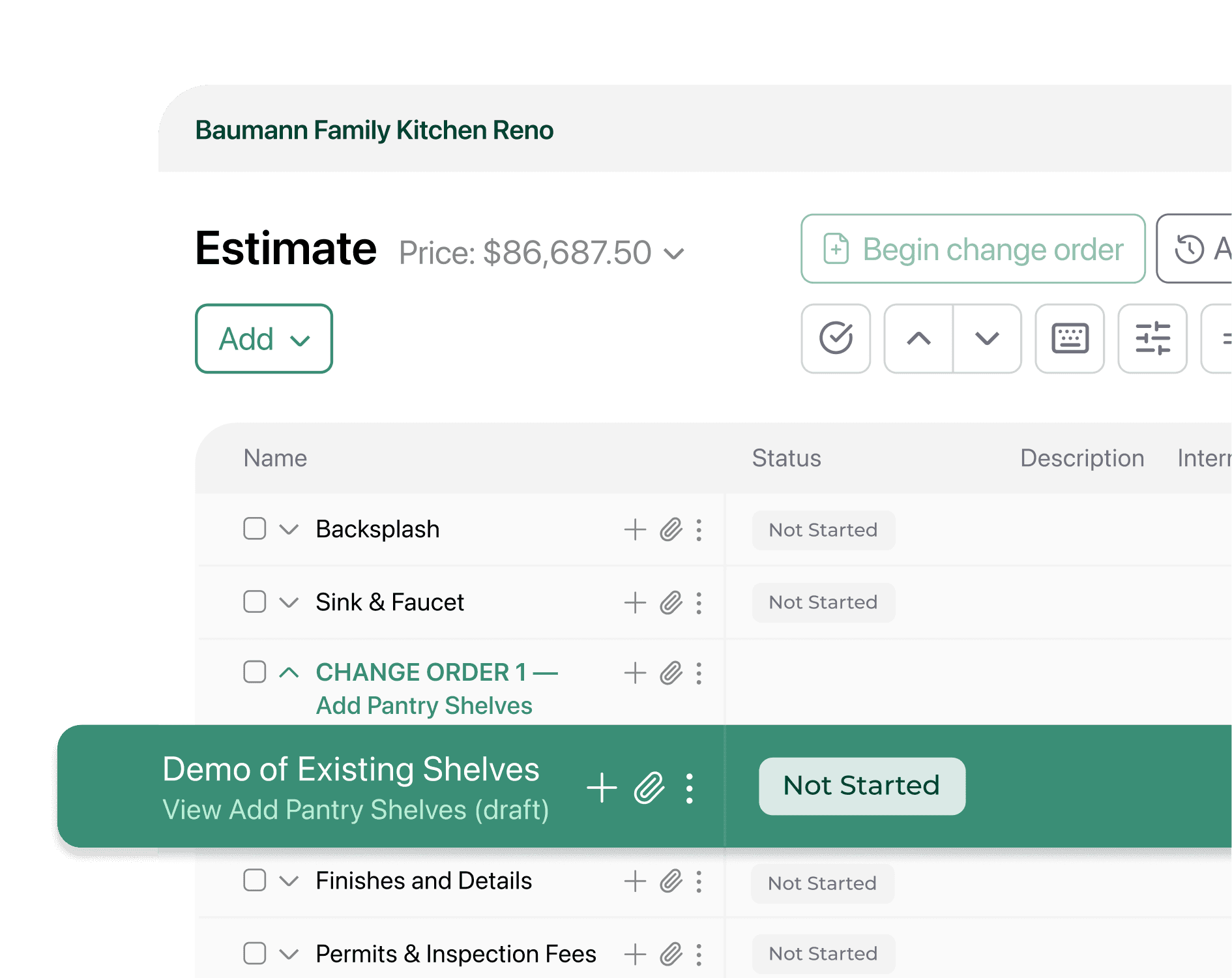
Estimates, proposals, and CRM — the familiar workflow, made faster.
Build accurate estimates from your cost catalog. Turn them into proposals in one click. Track every lead from first inquiry to signed contract — plus Mason AI to draft the follow-up.
- Cost catalog with your real material and labor rates
- Proposals generated from your estimate in one click
- CRM to track leads from first call to signed contract
- Mason AI drafts client updates so you stop writing them manually
Run the job
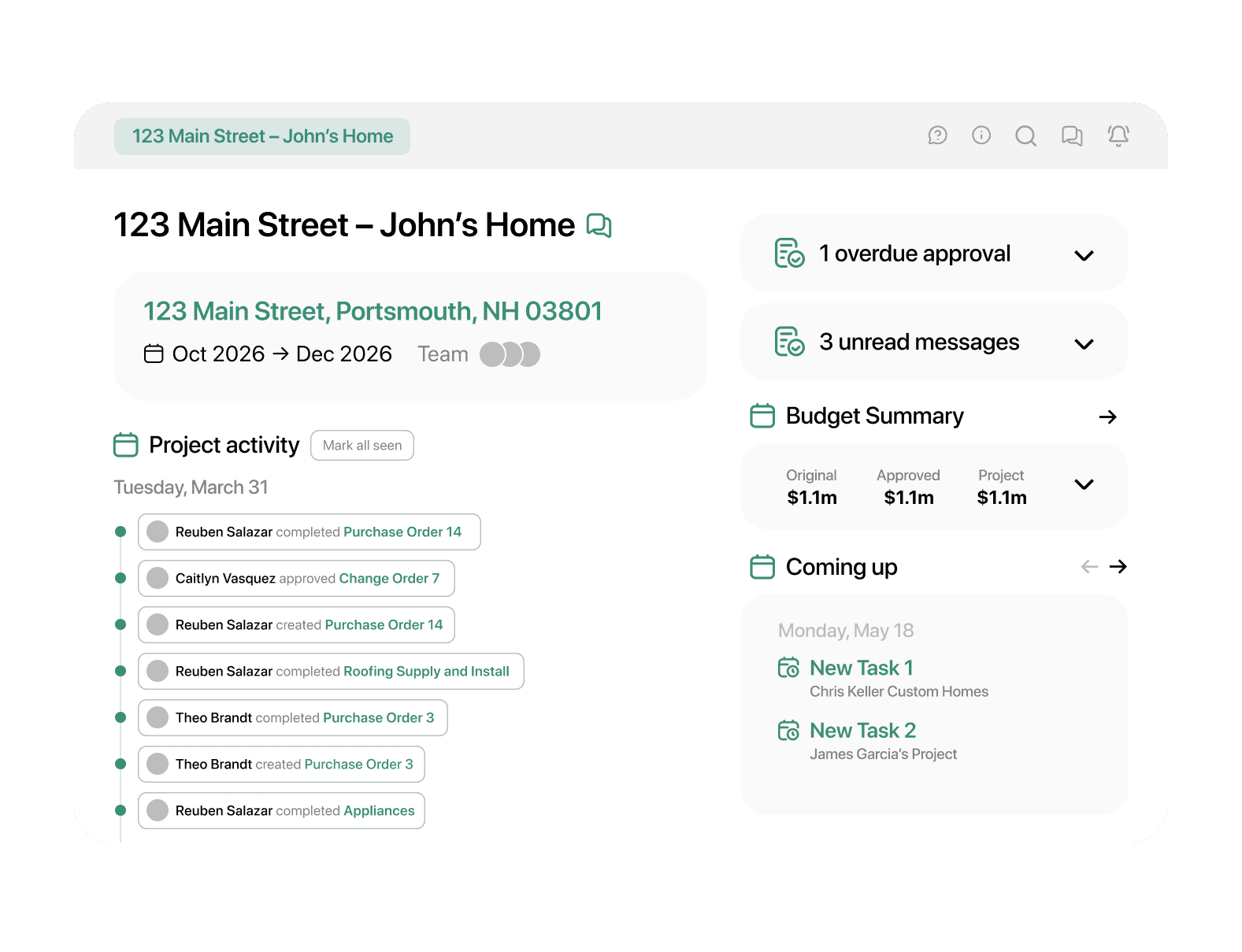
Scheduling, tasks, and field tools your crew will actually use.
Gantt-style scheduling with phases, dependencies, and task assignments. Field crews post daily logs and mark tasks complete from any phone — no app download, no calls to the office.
- Gantt scheduling with phases, tasks, and sub assignments
- Field crew daily logs and photo uploads from mobile
- Subs get access via magic link — no account needed
- Mason AI pre-drafts daily logs from your scheduled tasks
Keep the client
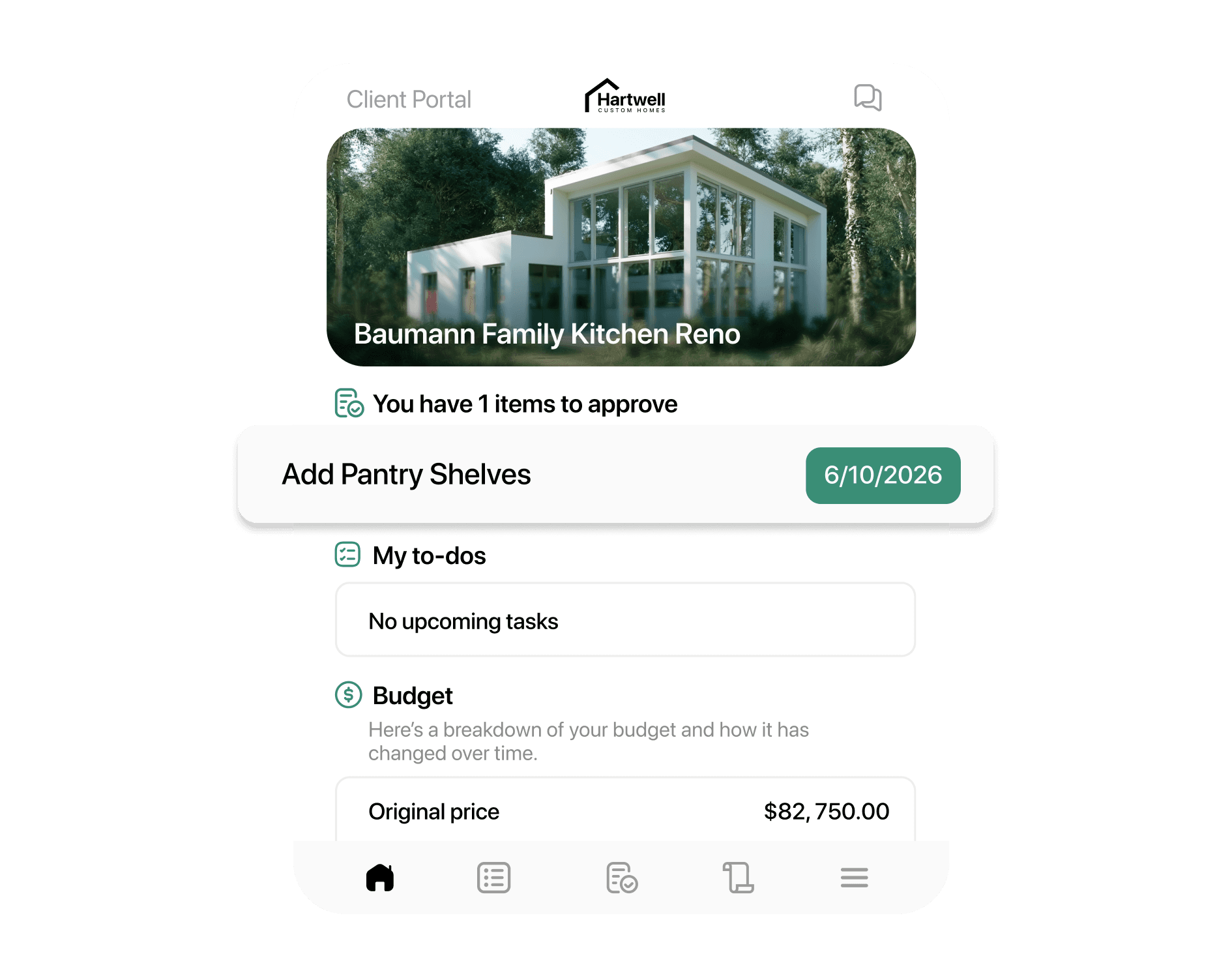
A client portal your clients will actually open.
Mobile-friendly. Clients click a magic link in a text — no app, no login. Selections, approvals, and progress, right on their phone. No more 'how do I get in?' calls.
- Magic link access — no passwords, no app download
- Selections and specs approved on any device
- Real-time project updates visible 24/7
- Payment collection built in — no separate invoicing tool
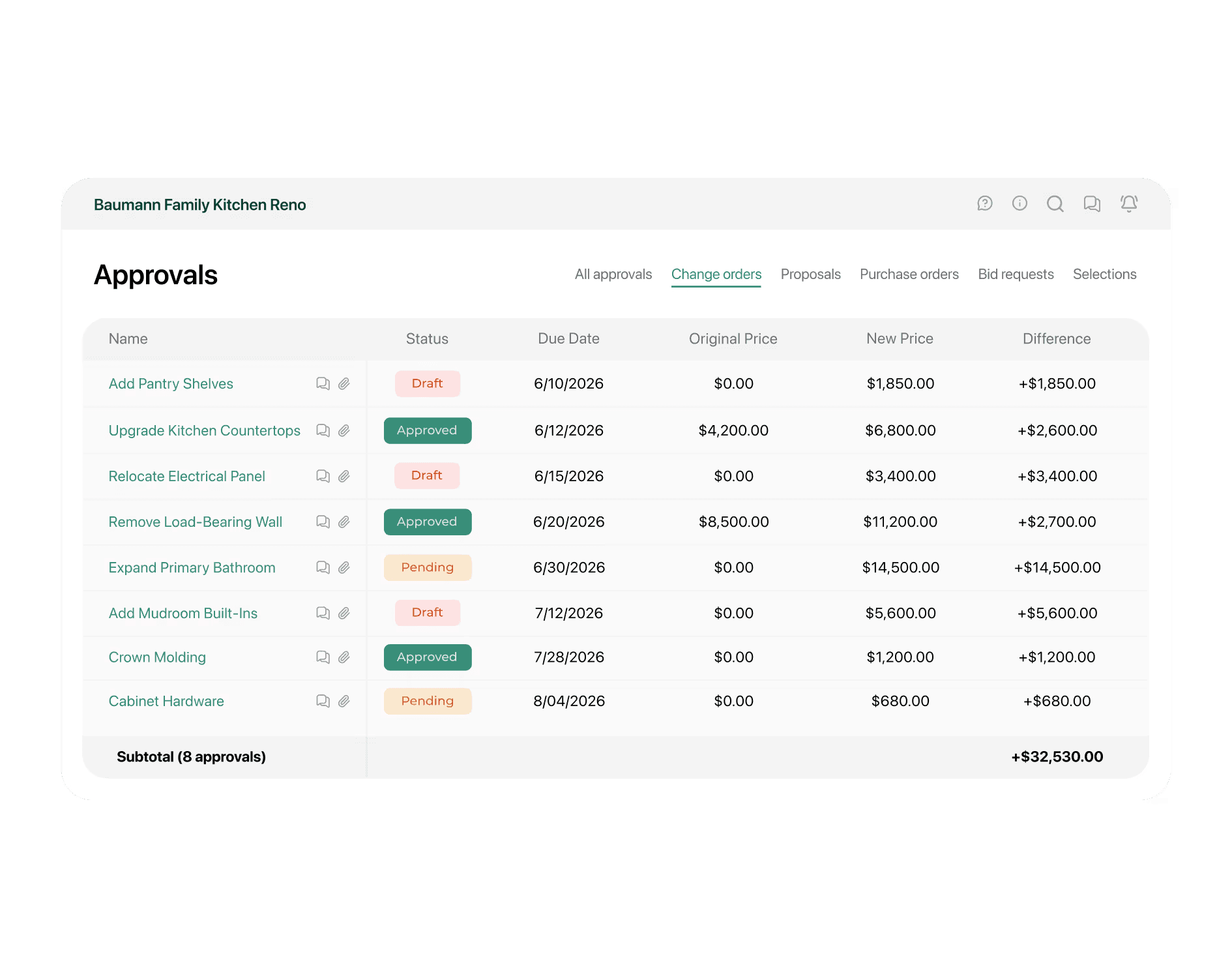
Protect the margin
Change orders without the headache.
Generated from the estimate, signed in-portal, timestamped. No more verbal changes turning into billing disputes. Budget updates automatically when the client approves.
- Change orders created from estimate line items — no re-entry
- Client approves via magic link — budget updates automatically
- Timestamped approval trail — no more he-said/she-said disputes
- QuickBooks Online sync — no duplicate data entry
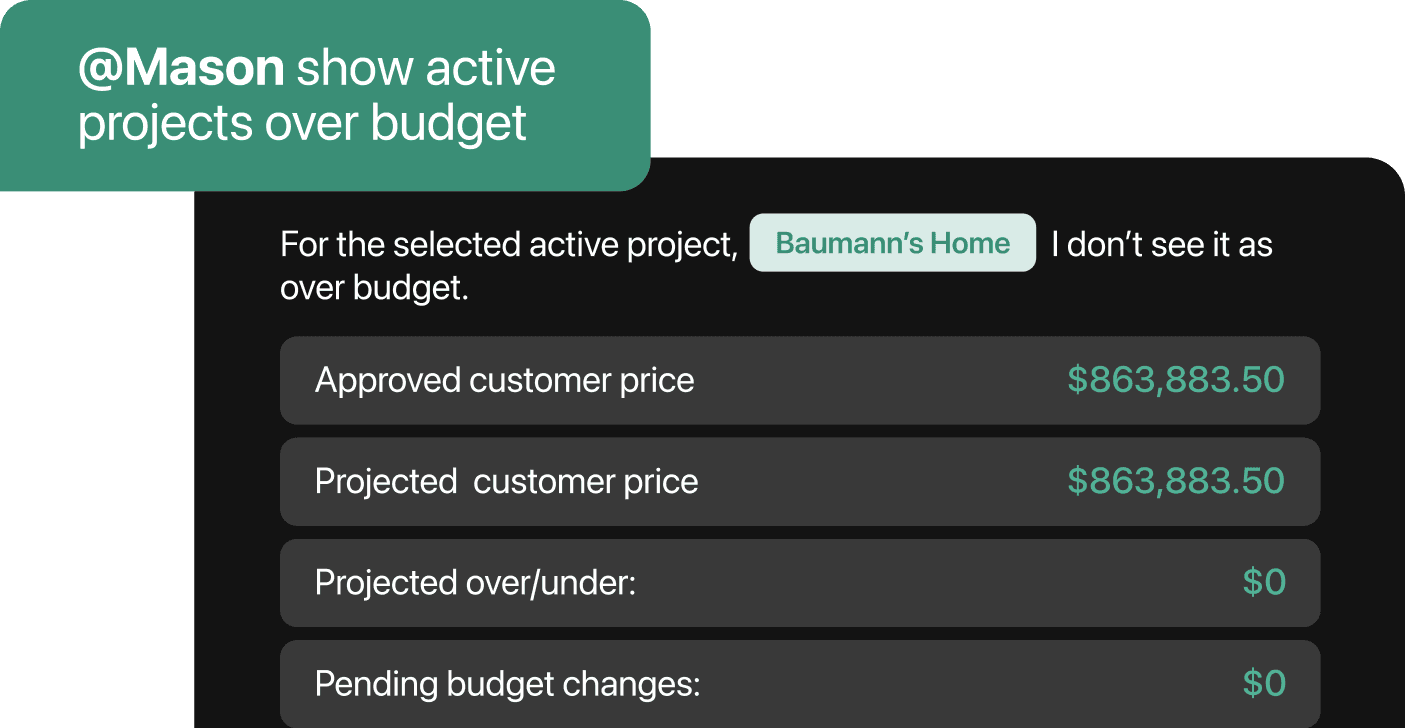
Fully Connected
Workflows Fully Powered by Mason AI
Mason knows your jobs, your schedule, and your clients. It drafts. It Builds. It Automates — so you can stop prompting.
- Extract insights across all of your projects and conversations from any device
- Write directly into your schedules, job logs, invoices, and more
- Library of ready-to-use automations in Mason to execute your most common tasks
- Built on the latest AI models for sharper reasoning and more reliable execution
Our Support Team Came from CoConstruct
What does onboarding look like?
They know where your data lives, how your workflows are set up, and how to bring it all into Ressio without the mess.
Custom Migration Plan
We map your CoConstruct setup together and build you a custom migration plan.
We Rebuild Your Data
Using your custom migration plan we rebuild all of your data in Ressio — for you.
Your Team Goes Live on Ressio
Once we finish building your data, your entire team goes live in as little as 2 weeks.
“We've onboarded hundreds of CoConstruct and BuilderTrend builders. We know where it breaks and how to prevent it.”
Ressio Onboarding Team
Ressio vs. CoConstruct
What you get that CoConstruct never shipped.
The features CoConstruct builders have been asking for — already built and shipping.
Estimate as single source of truth
Proposals, specs, bids, POs, and COs all flow from one estimate — no re-entry, no drift
Magic Links for clients and subs
Clients and subs tap a link from email or text — no account, no password, no adoption friction
Selections → automatic budget updates
Client approvals and allowance overages instantly adjust the budget — no manual reconciliation
Modern mobile app (PWA — always in sync with desktop)
CoConstruct's mobile app is widely cited as outdated and out of step with the desktop experience
AI-powered daily logs, summaries & Mason assistant
Auto-generate client updates and recaps — CoConstruct has made no meaningful AI investment
QR-code field access for specs, plans & documents
Crews and subs scan a QR on-site for instant access — no login, no hunting through folders
Intentional schedule-change notifications
Ressio notifies only the right people — CoConstruct auto-blasts every vendor on any schedule edit
Dedicated onboarding coach + full data migration
Many coaches are ex-CoConstruct specialists — they know exactly where everything lives
Want a deeper breakdown? Ask AI to compare them for you.
Compare Ressio vs CoConstruct with ChatGPT
CoConstruct's Spiritual Successor
Built for custom home builders.
© 2026 Ressio Software. All rights reserved.